Daily Life
Home Internet in China for Foreigners: How to Set Up Broadband and Wi-Fi
A practical guide for foreign residents setting up home internet in China, from checking building coverage and choosing a plan to installation, router setup, payments, and moving out.

Rules and procedures can change. Check the linked official sources before acting on time-sensitive information.
Quick answer
What you need to know
Foreign residents can usually arrange home broadband in China through their landlord, property-management office, or a major telecom operator. Check whether the apartment already has a line, confirm who controls the account and fees, and test the connection before the installer leaves.
- Ask the landlord and property-management office whether the apartment already has an active broadband line before ordering a new one.
- Compare installation timing, contract length, monthly price, router arrangements, and the process for cancelling or transferring the account.
- Use an official telecom operator service hall or verified installation channel, and keep the service receipt and account details.
- Test Wi-Fi coverage, network access, and the router password while the installer is still present.
- Make the broadband account and move-out responsibility explicit in your rental agreement or chat record.
Home internet is easy to overlook when you rent in China, especially if mobile data worked well during your first few days. For a longer stay, reliable Wi-Fi matters for remote work, video calls, large downloads, smart-home devices, and staying in touch with family.
The practical question is rarely just “Which provider is best?” It is whether your building already has a usable line, who owns the account, and what happens when you move out. This guide gives foreign residents a clear way to handle those details.
1. Check the apartment before you commit
Ask the landlord or agent these questions before you sign a lease:
- Is broadband already active in the apartment?
- Which provider serves the building?
- Is the monthly internet cost included in the rent or property fee?
- Whose name is on the account?
- Is there a router, and is it included?
- Is there a contract or cancellation charge?
Do not treat an Ethernet wall socket or a Wi-Fi router as proof that working service is included. Ask the landlord to show a live connection, or get the arrangement written into the lease or a clear chat record.
If you are still choosing a home, start with How to Rent an Apartment in Shanghai or How to Rent an Apartment in Shenzhen and include internet in your viewing checklist.
2. Understand the three usual setup paths
Most foreign renters use one of these arrangements:
Internet is included and stays in the landlord’s name
This is common in furnished apartments and can be the least complicated option. Confirm the cost, speed, password, and support contact. You should also ask whether the landlord can fix a failed connection promptly.
You take over an existing line
The apartment may already have a physical line or a paused plan. This can be quicker than a new installation, but check whether the existing account can be transferred, renewed, or reactivated and whether the former tenant has cleared any outstanding charges.
You open a new account
This gives you more control, particularly for a long lease or work-from-home use. It can also create more tasks at move-out, including cancellation, equipment return, or account transfer. Ask the provider exactly what documents it accepts and keep the service receipt.
3. Choose the provider based on the building
China Mobile, China Unicom, and China Telecom are the major nationwide telecom operators. Their coverage and offers vary by city, neighborhood, and building, so start with what the property-management office says is available in your complex.
Compare the practical terms, not only the advertised speed:
- installation appointment window;
- monthly price and payment cycle;
- contract or minimum-service period;
- equipment deposit or router terms;
- relocation, transfer, and cancellation rules;
- support channel; and
- whether the plan includes a mobile-number bundle you actually want.
Use an official service hall, a provider’s verified app or mini program, or a property-management referral you can verify. Avoid giving passport details or payment codes to an unverified individual who contacts you through a listing app.
4. Prepare for the installation visit
The technician may need access to the apartment, the building’s telecom cabinet, or both. Arrange a time when you, your landlord, agent, or a trusted representative can open the apartment.
Before the visit, have ready:
- the exact building, unit, and floor number;
- landlord or property-management contact details if access is needed;
- your preferred plan details;
- a payment method accepted by the provider; and
- your passport or other identity document if the account is in your name.
Ask whether the technician is bringing a router or only activating the line. If you plan to use your own router, confirm that it is suitable for the connection type and ask for the settings you need.
5. Test the connection before the technician leaves
Do not rely only on a green light on the router. Connect a phone and a laptop, then test the rooms where you will actually work or sleep.
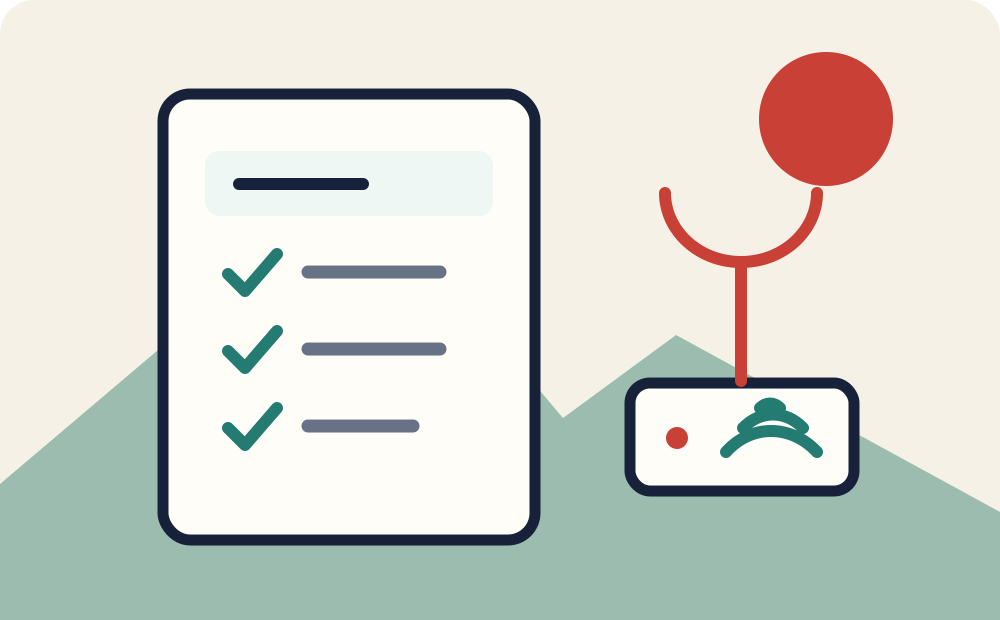
Use this short checklist:
- Connect to the Wi-Fi network with the password you received.
- Open several ordinary websites and a video call.
- Check signal strength in the bedroom and workspace.
- Confirm the router name, password, and administration details.
- Save the provider’s support channel and your account number.
- Ask how to pay the bill and what to do if service stops.
6. Keep the account secure and easy to manage
Change the default Wi-Fi password and use a strong, unique one. Do not share the router administration password with casual guests. Keep the service agreement, payment receipt, account number, and support contact in one secure place.
If the account is tied to a Chinese mobile number, protect that number carefully. It may receive payment notices and login codes. Getting a SIM Card in China explains how to keep the number active and secure, while Mobile Payments in China for Foreigners covers practical payment setup.
7. Plan for move-out on the day you sign
This is the step tenants most often miss. Before you agree to a plan, establish:
- whether it ends automatically with the lease;
- whether the account can transfer to the next tenant;
- whether you need to return a router or other equipment;
- how much notice cancellation needs; and
- who pays charges after you leave.
Put the answer in the rental agreement or a written message with the landlord. It avoids a small utility account turning into a disputed final bill.
A practical long-term setup
For many foreign residents, the simplest arrangement is a landlord-provided connection that is demonstrated during the handover and clearly included in the rent. For a longer lease or regular remote work, a tenant-owned account can be worth the extra setup if you understand the cancellation path.
Treat your home connection like any other essential arrival service: check it early, keep the records, test it in your actual living space, and decide responsibility before it becomes urgent.
Official sources
- State Council: A Guide to Working and Living in China as Business Expatriates
- Shanghai Government: A guide to setting up mobile services
Frequently asked questions
Common questions
Can foreigners get home internet in China?
Usually yes. Foreign residents can normally arrange broadband through a landlord, property-management office, or a major telecom operator. The exact documents, account holder, and installation process vary by city, building, and provider.
Is internet already included in a Chinese rental apartment?
Sometimes. Some apartments include an active broadband connection, while others only have a physical line or no service at all. Confirm the connection status, monthly cost, speed, and account holder before signing the lease.
Which companies provide home broadband in China?
China Mobile, China Unicom, and China Telecom are the main nationwide telecom operators. Availability and building-level access can differ, so check what the apartment complex supports rather than choosing only by brand.
Who should own the broadband account: the tenant or landlord?
Either arrangement can work. A landlord-owned account is simpler for a short stay, while a tenant-owned account gives more control. In both cases, record who pays, who can change the plan, and who cancels it at move-out.
What should I test after broadband installation?
Connect several devices, check the Wi-Fi signal in the bedroom and work area, verify the router login and password, and confirm how to pay or request support.